Blend Shape Creation
Topologised a face in Maya and used its blend shape kit to create a blend shape compatible with Apple's ARKit.
Topologised a face in Maya and used its blend shape kit to create a blend shape compatible with Apple's ARKit.
First I had to create a face to work on, so I got help from a friend and preformed a 3D scan of my face and imported it to Maya. With the scanned head I started retopologizing my face. I studied the muscles in a face and took an image of myself and started sketching the different muscles on my face. I also looked at a lot of examples of how the topology of a face should look like.
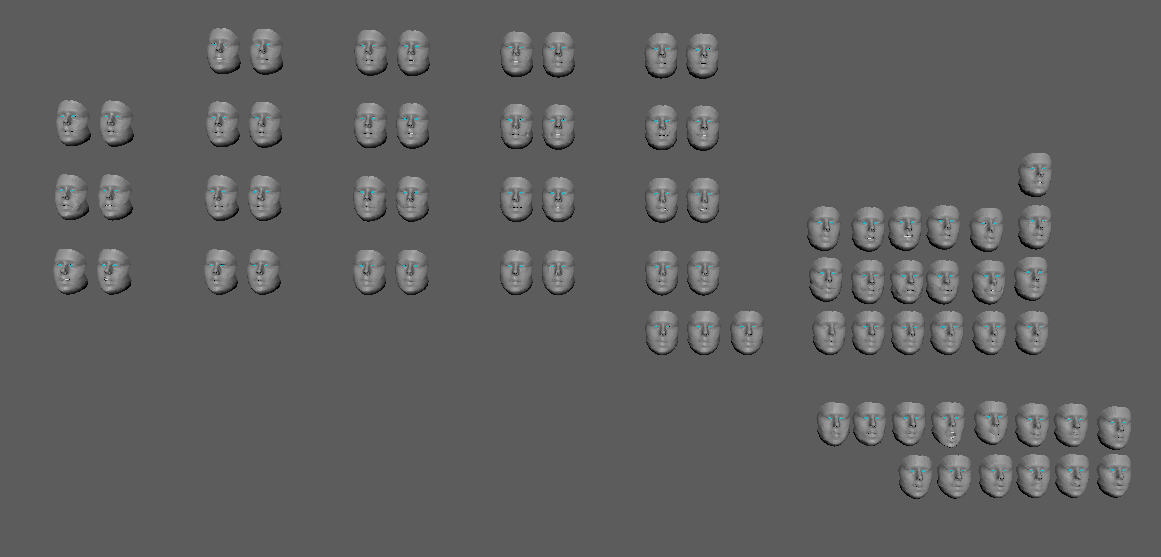
When the face was retopologizde I started working on the blend shapes. I was following the guidelines given to me on Apple's ARKit site and using techniques my teacher showed us in class, like mirroring and soft select. For every face expression that had a left and right expression (e.g. left and right blink) this was modeled on the same shape but later spitted on two different face shapes so that they would fit the ARKit's naming convention
Now I have made a face that are fully adaptable with the Apple's ARKit and usable in aplication as Unity and Unreal Engine.
This was a school assignment I had to complete as part of my CG class. As a class we had a thorough guidance through the process of Face Retopology, studying some of the face's muscles and where to create fitting loops in the mesh. After the Face Retopology we started working on animating the different faces and following then namespaces of the Apple's ARKit.
Have not received a grade, but received positive feedback from the teachers.